
Charging Manual
Charging via mobile Phone
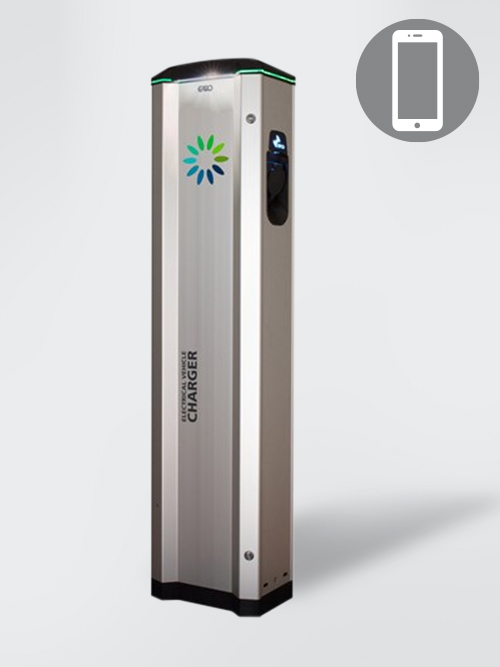
1. START THE CHARGING PROCESS
- Initial situation: The charging station lights up green.
- Connect the vehicle to the charging station.
- The charging station flashes green briefly. Charging does not start yet!
- Select the charging point on the charging network card.
- Press the START button.
- Authorisation begins. The charging station flashes blue briefly.
- The charging process starts, the charging station lights up blue.
2. END THE CHARGING PROCESS
- Press the STOP button.
- You can now remove the cable.
Charging via customer card
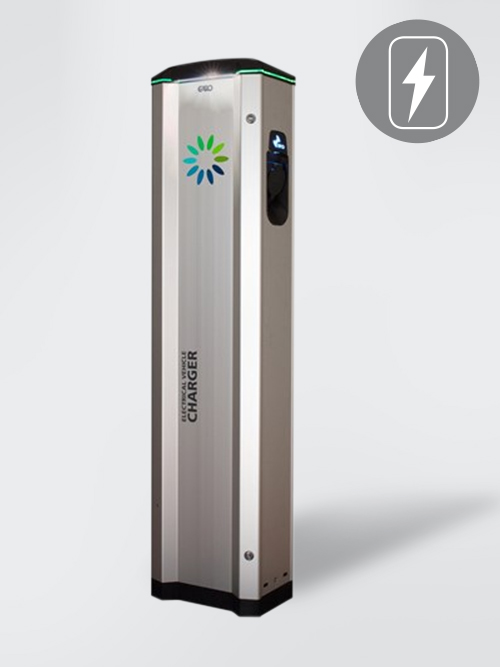
1. START THE CHARGING PROCESS
- Initial situation: The charging station lights up green.
- Connect the vehicle to the charging station.
- The charging station flashes green briefly. Charging does not start yet!
- Hold your customer card against the card reading field.
- Authorisation begins. The charging station flashes blue briefly.
- The charging process starts, the charging station lights up blue.
2. END THE CHARGING PROCESS
- Disconnect the charging cable from the vehicle.
- It is not necessary to hold the customer card up to the card reader again.
Important Note
- The security check between the vehicle and wallbox can take up to 30 seconds.
- If the charging process is started via your mobile phone, it must also be terminated via your mobile phone. A combination of different activation methods (customer card, mobile phone) is not possible.